
System Header Hell: Teaching libclang to Understand GCC and Survive MSVC
· 3 min read
After migrating the C++ parser to libclang, we expected to see a perfectly accurate Abstract Syntax Tree (AST). But when we unleashed it on our first real project, instead of a beautiful hierarchy of classes, we got a tree consisting entirely of CXCursor_UnexposedDecl and fatal syntax errors.

The parser stumbled on the very first line: #include <vector>.
A Deaf Compiler
It turned out that libclang (being merely a linkable library, not a full CLI compiler) by default has no idea where standard header files are located in the operating system.
If the parser doesn’t see system headers, it doesn’t understand what std::string or std::vector is. And since everything in modern C++ relies on standard library templates, parsing fails in a cascade.
In the Enterprise world, developers usually pass giant strings of -I/usr/include/... flags to the parsers themselves. But we were building a SaaS and a user-friendly CLI utility. We couldn’t force users to manually search for compiler paths on their machines. The parser had to become smart.
The GCC Discovery Quest
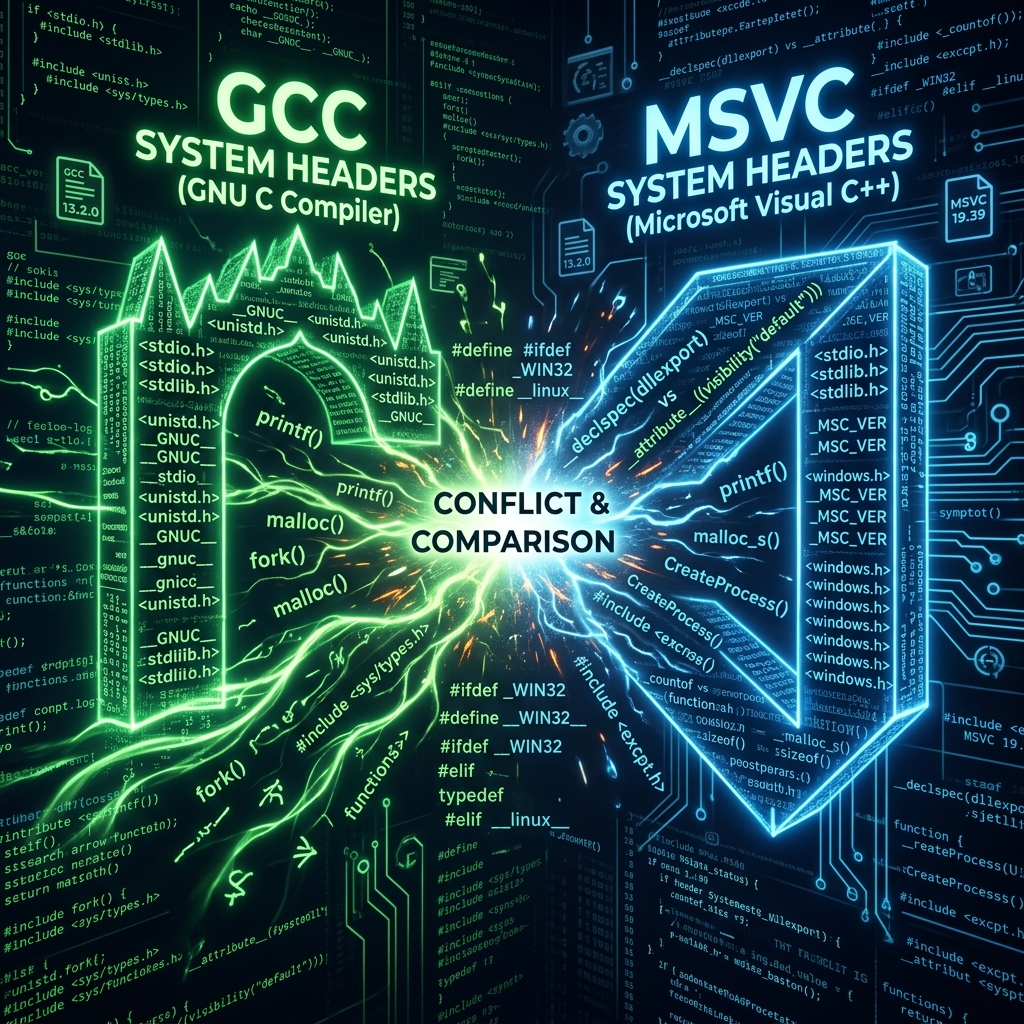
On Linux systems, we had to write our own Auto-Discovery mechanism.
We implemented a heuristic that ran the system compiler in the background with clever flags: gcc -print-file-name=include (falling back to cc). This trick forces GCC (or the system Clang) to spit out the path to the internal directory it uses to search for system headers by default into the console.
Our Python code intercepted this output, parsed it, filtered out non-existent directories, and dynamically converted it into an array of -I flags, which were then fed into libclang. The parser gained its “sight”—it began to perfectly understand Linux projects.
The MSVC-STL Nightmare on Windows
But if Linux was solved with an elegant hack, a real hell awaited us on Windows.
Windows developers use the Microsoft Visual C++ (MSVC) compiler and its proprietary standard library implementation—MSVC-STL. Integrating Clang with the intricacies of Windows code (including the monstrous windows.h) is pure pain.
MSVC historically forgives many syntax liberties and uses specific macros, pragmas, and extensions. Strict libclang looked at MSVC-STL code and simply refused to parse it, generating hundreds of errors.
To reconcile them, we had to dig deep into the LLVM documentation. We selected a specific set of compatibility flags (-fms-compatibility, -fms-extensions, and also spoofing macros like -U__clang_major__ -D__clang_major__=19 to bypass version checks in the MSVC STL) that forced libclang to pretend to be a Microsoft compiler. Only after fine-tuning this virtual environment did the parser stop panicking at the sight of Windows source code.
Conclusion
We spent a ton of time not on parsing the client code itself, but on configuring the environment in which that code lives. But the result was worth it: our parser learned to read developers’ real code “out of the box” on any operating system, without requiring complex configurations from them.
But “seeing” the code doesn’t mean understanding its structure. When the parser finally read all the headers, we discovered that it loses half the methods if a developer dared to define them outside the class (Out-Of-Line). How we manually stitched torn methods back to templates—read about it in the next episode.